Most people shop for a frequency device by comparing specifications: frequency ceilings, program counts, amplifier wattage. Those numbers matter, but they answer a different question from the one that decides whether a device earns its price. That question is simpler and more personal. Where will this thing actually live in my week?
A generator that needs a Windows laptop, a free outlet and twenty minutes of setup will not get used on a busy Tuesday. A wearable that sits uncharged in a drawer does nothing, however well it is engineered. Consistent use usually matters more than peak capability, which is why fit with your routine deserves as much weight as the feature list.
This guide sorts the market by lifestyle rather than by technology. We have already covered how wearable devices work in a separate article [7], so we skip the mechanics here and stick to practical questions: who each type suits, what it asks of you day to day, and what you give up in exchange for convenience.
Three categories, and where the lines blur
Manufacturers use the words wearable, portable and desktop loosely, so it helps to pin them down.
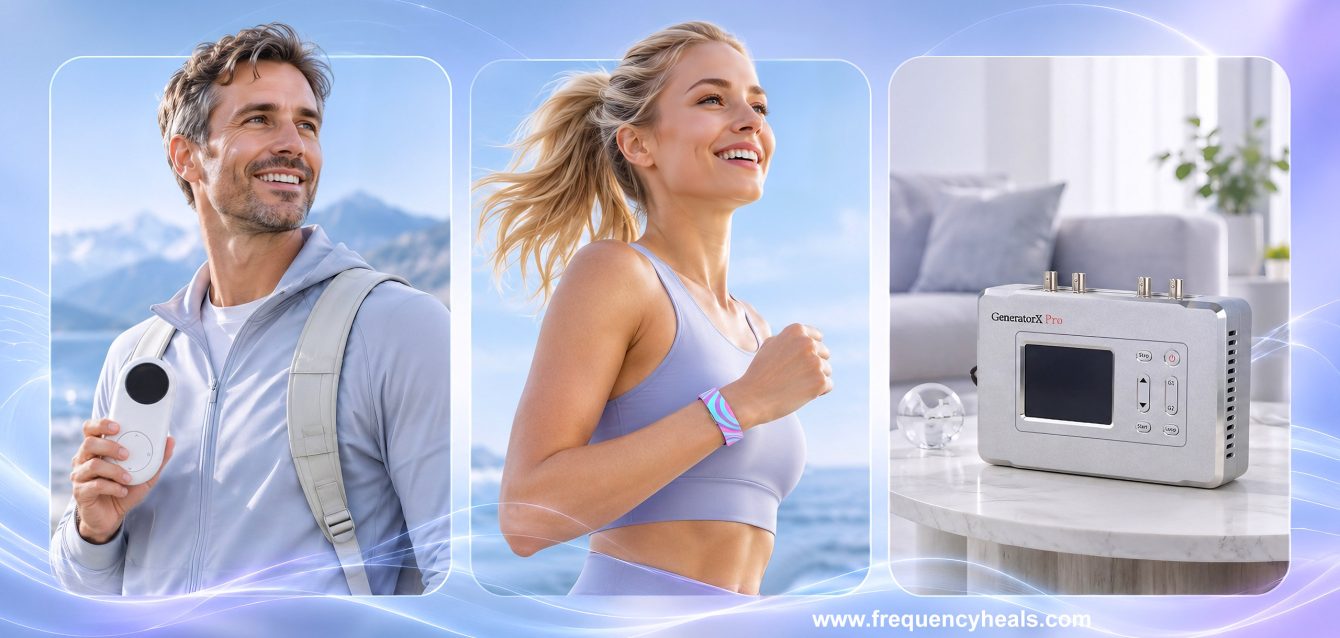
A wearable is worn on the body, runs on a battery and asks nothing of you once it is on. Apollo Neuro, at around 349 dollars, and the WAVwatch, at roughly 697 to 1,199 dollars depending on version, are the usual examples [7].
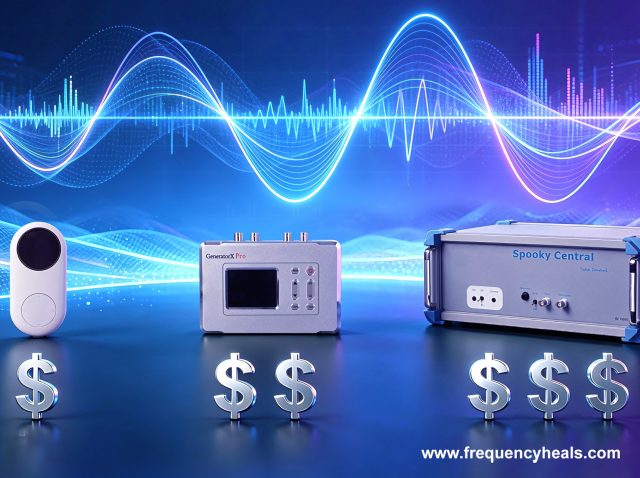
A portable device is small enough to carry from room to room or trip to trip, but you place it near you rather than wearing it. The Aha Halo is the clearest case. It weighs 105 grams, projects a field of roughly one metre around the unit, and carries a library of more than 200 programs, with 30 preloaded and room to store up to 50 for standalone use. It costs about 599 to 639 dollars [3]. The Spooky2 GX Pro sits in a middle zone: it can load up to 30 programs and run without a computer, yet it needs its 12V power supply and a set of accessories before it does anything useful [1].
A desktop system stays put. The Spooky2 XM Pro generator, at 119 dollars for the unit alone, is controlled from the Spooky2 software on a PC [2]. The GB4000 runs from its own keypad but is a conventional standalone unit that one recent comparison describes as bulky [6]. The BCX Ultra puts the generator and amplifier in a single machine [5]. Plasma setups and two-coil scalar systems add a space requirement on top: the Spooky2 Scalar, for example, wants at least two metres between its coils.
Labels can mislead. A kit with the word portable in its name may still rely on a computer to run programs, because the XM generator is driven by software [2]. A better test than the name on the box is to ask two questions. Can it run without a computer? Can it run without a wall socket?
Start with your day, not the spec sheet
If you travel often
Every extra cable, adapter and accessory is something to pack, charge or forget. For frequent travelers, the sensible candidates are a wearable or a pocket-sized portable, because setup effort needs to be close to zero or the device will stay in the suitcase. A desktop generator in a hotel room means a laptop, a power source and a bag of accessories, and most people quietly stop bothering after the second trip.
There is one workaround worth knowing about. Spooky2’s Remote Mode uses a DNA sample kept with the generator at home, so the session can run while you are away and you carry nothing at all. As far as we know it remains unique to Spooky2 among commercial Rife systems, and like the other delivery modes it rests on a theoretical model rather than clinical trial evidence [8]. Whether that model convinces you is a separate decision. The practical point is that owning a desktop system does not always mean you must be sitting at it.
If your schedule is already full
Busy professionals tend to have plenty of interest and very little spare time, so the deciding factor is whether the device works while you do something else. Wearables and portables fit that pattern well. They run in the background of a workday and ask for no dedicated session. Desktop-class gear often wants blocks of time: sitting near a plasma tube, holding contact accessories, or lying between scalar coils.
One exception is the person who already spends the day at a computer. For a developer or analyst, software dependence is barely a cost, since the machine is already open on the desk. A computer-controlled generator may suit that person better than someone who avoids software.
If you mostly use it at home
Home-based users get the most from desktop systems, because space, mains power and unhurried time are exactly what those systems assume. This is also where the widest range of delivery methods lives: contact, remote, PEMF, cold laser, plasma and scalar. A spare room, an overnight session, a protocol that runs for hours. None of that is a burden when you are home anyway.
Ease of use: power, computers and setup
Three practical questions separate the categories more sharply than any feature list.
The first is power. A wearable needs a charging habit, which is easy to build and easy to drop. A portable like the Aha Halo is battery powered and designed for all-day use [3]. The GX Pro needs its supplied 12V supply [1]. Plasma and scalar setups want mains power and clear floor space, and that tends to decide where in the house they can live.
The second is computer or app dependence. The Spooky2 software requires Windows [2], which matters if your household runs on Mac or tablets. The GX Pro softens this by letting you load programs once and then run them standalone [1]. The Aha Halo uses a computer only to load or update programs, not for daily use [3]. The WAVwatch is described as working without an app or wireless connection [7], while the GB4000 and BCX Ultra are operated directly on the unit [4][5].
The third is setup complexity, which is really a question about your own patience. Tuning a scalar system, choosing among thousands of programs and connecting the right accessories is rewarding for some people and a reason to quit for others. Be honest about which group you are in. A simpler device used every day will usually do more for you than an advanced one you approach twice a month.
Features and flexibility: what convenience costs
The trade-off is fairly consistent across the market. The easier a device is to carry and operate, the narrower its range of options tends to be.
Wearables and small portables typically offer a curated library tuned to one delivery method. That is a strength if you have a clear goal such as winding down in the evening or steadier energy during the day. It is a limit if you want to explore. Desktop systems sit at the opposite end. The Spooky2 library holds more than 90,000 programs, and the hardware spans several application methods, with biofeedback scanning on both generators and a faster scan on the GX Pro [1]. The GB4000 comes with almost 900 preloaded programs [4]. That breadth is useful to practitioners who want to individualize protocols, and overwhelming for a newcomer who just wants to start.
Standalone operation is the feature that most often bridges the two worlds. A device that can hold a handful of programs and run without a computer, such as the GX Pro with its 30 stored programs, gives you flexibility at home and a degree of portability when you need it [1]. It is not a wearable, but it removes the biggest obstacle to taking a desktop system out of the house.
It is also worth keeping expectations proportionate. Different device types rely on different mechanisms, and the evidence behind them varies. Wearables usually work at lower intensities than stationary systems, with the cumulative, all-day model as their selling point [7]. Neither approach is automatically better. They are different bets, and the right one depends on what you are trying to do and how you will actually live with the device.
Side by side
Prices are approximate, based on current manufacturer and retailer listings at the time of writing, and worth confirming before you buy.
| Type | Examples | Portability and power | Computer or app | Setup effort | Customization | Approx. price (USD) |
|---|---|---|---|---|---|---|
| Wearable | Apollo Neuro, WAVwatch | Worn on the body; rechargeable battery | App for some; WAVwatch runs without one [7] | Very low | Preset modes or a curated library | 349 to 1,199 |
| Portable | Aha Halo; Spooky2 GX Pro in standalone mode | Carry anywhere; battery (Aha Halo) or 12V supply (GX Pro) | Computer only to load or update programs | Low to moderate | Aha Halo: 200+ programs, 50 stored. GX Pro: 30 stored from a 90,000+ library | 599 to 639 (Aha Halo); 650 (GX Pro unit alone) |
| Desktop, computer controlled | Spooky2 XM Pro | Stationary setup | Windows computer required | Moderate | 90,000+ programs, several delivery methods with accessories | 119 (unit alone); 185 and up in kits |
| Desktop, standalone | GB4000, BCX Ultra, Resonant Light PERL M+ | Stationary, self-contained units | No computer needed | Moderate | GB4000: almost 900 preloaded programs | About 1,975 to 2,795 (GB4000 unit alone, BCX Ultra, PERL M+ at about 2,150) |
| Desktop, multi-mode with plasma or scalar | Spooky2 Central Plasma, Spooky2 Scalar, GB4000 with MOPA | Needs dedicated space and mains power | Computer for most Spooky2 modes | Moderate to high | Widest range of delivery methods | About 1,600 to 5,395 |
If the price column leaves you wondering what sits behind the headline figures, such as accessories, software, replacement parts and upgrades, our guide How Much Do Rife and Frequency Devices Cost? A Practical Buying Guide breaks down the total cost of ownership device by device.
Four hypothetical users
The following are composite examples, not real customers, meant to show how the comparison plays out in practice.
Maya, the traveling consultant
Maya flies twice a month and works from hotel rooms. She wants steady background support without managing equipment. A wearable or a pocket-sized portable fits her, because it travels in a bag and needs no setup on arrival. If she later buys a desktop system for home, Remote Mode could keep running while she is away, but she should not start there. Her first purchase should be the thing she will actually pack.
Daniel, the remote developer
Daniel spends ten hours a day at a PC and enjoys tinkering. Software dependence does not bother him, and he is curious about how protocols are built. A computer-controlled generator such as the XM Pro, starting around 185 dollars in a kit, gives him access to the full program library at a modest cost [2]. If he outgrows it, a GX Pro adds standalone operation and a faster biofeedback scan.
Priya, the parent with no spare hour
Priya has two young children and a demanding job. Anything that needs a quiet room, a laptop and a protocol spreadsheet is unrealistic. She needs something that works while she makes dinner. A portable like the Aha Halo, or a wearable if her main goal is calm and sleep, matches her life better than a more capable system she would resent learning.
Robert, the retired explorer
Robert has a spare room, plenty of time and a long-standing interest in the Rife tradition. He wants depth and is happy to learn. A multi-mode desktop system, such as a Spooky2 kit with plasma or a GB4000 with a MOPA amplifier, suits him, and he can afford to spend weeks learning it. His budget will be in the thousands rather than the hundreds [1][4], and he should also plan for ongoing costs such as tubes and accessories.
A simple way to decide
Four questions usually settle it. Where will you use the device most? How much dedicated time can you give it each day? How comfortable are you with software and setup? And do you want one thing done simply, or many things done in depth?
If the answers point to the road or a crowded schedule, start with a wearable or portable. If they point to home, time and curiosity, a desktop system will repay the effort. Many experienced users end up with both: a desktop setup for longer sessions at home and a small device for everything in between.
Before spending anything, there are low-cost ways to test your instincts. The Spooky2 software is free to download, so you can browse the program library without owning a generator, and free audio frequency apps let you see whether the experience appeals to you at all. Neither replaces real hardware, but both can save you from buying the wrong category first.
The best device is the one that fits into your life well enough to be used without a second thought. Price, power and program counts only matter once that condition is met.
References
- [1] Spooky2. (2026). Spooky2 GeneratorX Pro and Scalar GeneratorX Pro Essential Kit pages.
- [2] Spooky2. (2026). Buy Spooky2 Generators and Generators category (XM Pro description, software requirements, kit pricing).
- [3] Aha Harmony. (2026). Aha Halo.
- [4] Frequency Store. (2026). GB-4000 20 MHz Function Generator and combo pricing.
- [5] Rife Machines Directory. (2026). BCX Ultra Deluxe Professional Rife Machine.
- [6] FrequencyHeals. (2026). Top 6 Rife Machines of 2026: An Honest Comparison.
- [7] FrequencyHeals. (2026). Wearable Frequency Devices: How They Work and What to Know in 2026.
- [8] Spooky2. (2025). Remote Mode.